
Best Visual Novel Editor for Beginners
Find the best visual novel editor for beginners with zero-code tools, branching logic, asset management, and fast publishing workflows.
·8 min read
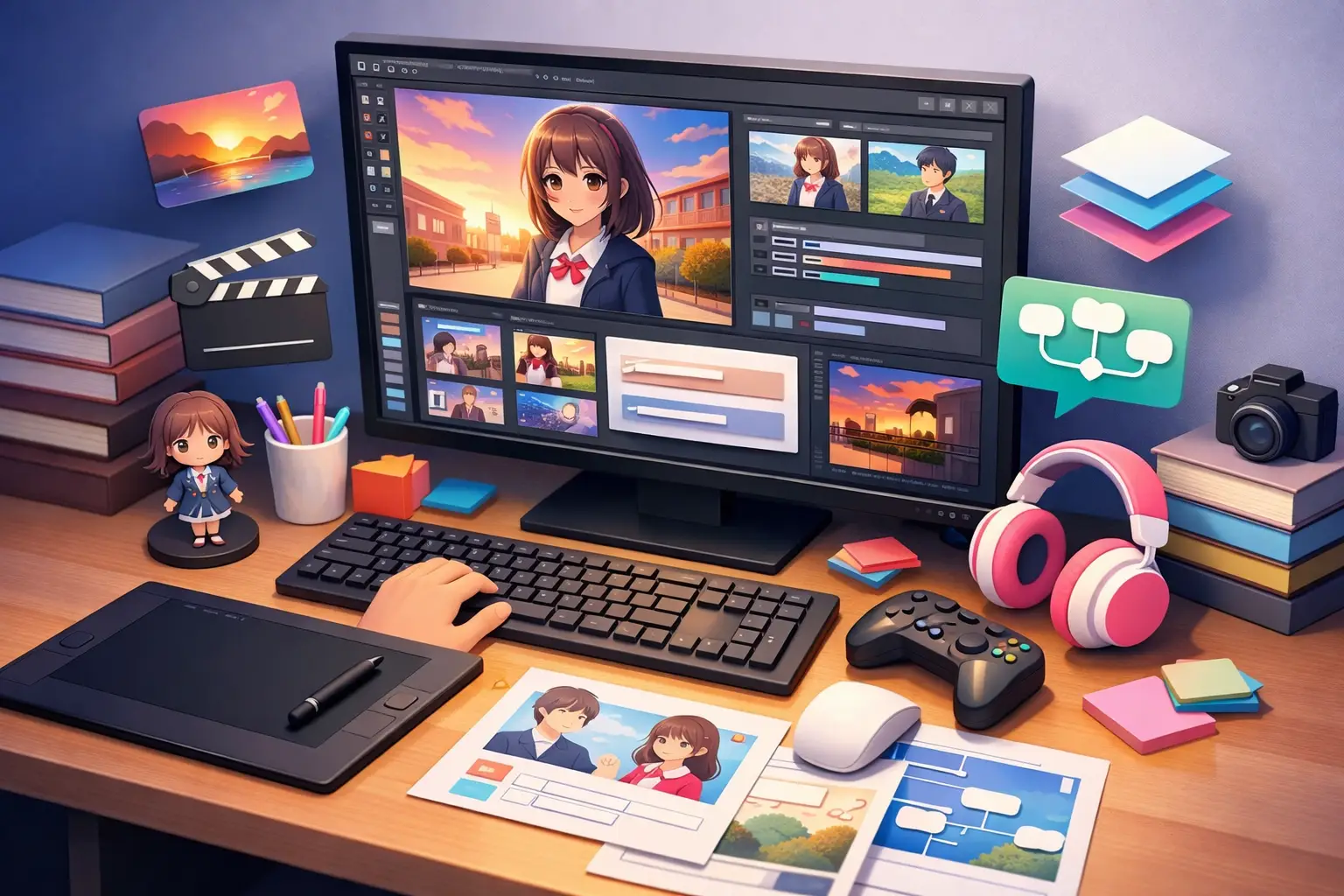
If your first visual novel idea already includes branching choices, character sprites, save slots, a gallery, and maybe even multiple languages, the real challenge is not writing it. It is finding a visual novel editor for beginners that does not force you to learn scripting before you can build a playable scene.
That distinction matters more than most new creators expect. A lot of tools look beginner-friendly because they can display dialogue and character art. But once your story needs conditional choices, inventory items, scene transitions, or reusable story logic, the gaps show up fast. You stop writing and start wrestling with workarounds.
What beginners actually need from a visual novel editor
A beginner does not just need a simpler interface. They need a workflow that matches how visual novels are made.
That means the editor should let you move from scene writing to branching structure to asset organization without switching between disconnected tools. If you have to manage dialogue in one place, variables in another, image references in a spreadsheet, and testing in a separate runtime, production slows down immediately. The friction is technical, but the cost is creative.
A strong visual novel editor for beginners should handle the basics without compromise. You need dialogue sequencing, character management, backgrounds, music, choices, and save behavior. But the editor also needs to scale with your project. The moment your story includes route flags, unlockable scenes, hidden endings, or language variants, you should not have to rebuild your project structure from scratch.
This is where many general no-code builders miss the mark. They may be flexible in theory, but visual novels are not generic apps. They rely on a specific production rhythm: write, branch, preview, revise, test flow, and export. A dedicated editor should support that rhythm directly.
The difference between easy and limited
A lot of beginner tools become frustrating because they confuse simplicity with restriction. They make the first ten minutes easy, then become rigid as soon as your project grows.
A better approach is guided depth. The editor should feel approachable on day one, but still support variable logic, conditional branching, scene management, and presentation controls when you need them. Beginners do not stay beginners for long. After a weekend of testing choices and alternative routes, most creators want more control, not less.
That is why the right tool is not the one with the fewest features. It is the one that exposes advanced systems in a way that still feels readable. Drag-and-drop logic, visual story mapping, real-time preview, and organized asset panels all help because they reduce cognitive load. You are still building a complex narrative product, but the editor keeps that complexity visible instead of burying it in code.
Features that make a visual novel editor beginner-friendly
The easiest way to judge an editor is to look past marketing language and inspect the production tools. If the editor is genuinely built for beginners, it should remove technical barriers at every stage of development.
A visual story map
Branching stories are hard to manage when they exist as plain text and scattered notes. A visual map gives you a structural view of your routes, choice points, and scene connections. For beginners, this is often the difference between finishing a project and losing track of it halfway through.
It also makes revision faster. If one route is too short, if a bad ending appears too early, or if a romance path lacks payoff, you can see the problem in the structure before players find it.
Drag-and-drop scene building
Writing dialogue should not require syntax memorization. A good editor lets you place dialogue blocks, choices, transitions, and logic events directly into a scene flow. That makes the tool easier to learn, but it also reduces errors. You spend less time debugging formatting issues and more time shaping pacing.
Built-in asset management
Visual novels use more media than many first-time creators realize. Sprites, expressions, CGs, UI elements, backgrounds, sound effects, and music all need to stay organized. If your editor does not include clear asset management, your project can become messy long before it becomes large.
The practical benefit is speed. When assets are categorized and easy to assign inside the editor, iteration becomes much faster.
Branching logic without code
This is where many beginner tools either shine or fail. Choices alone are not enough. You need variables, conditions, route checks, and event triggers that can be understood at a glance.
For example, maybe a dialogue option should appear only if the player found an item earlier. Maybe an ending depends on affection points across several chapters. Maybe a bonus scene unlocks after one full route completion. Those are standard visual novel systems. Beginners still need them, just without programming overhead.
Real-time preview and testing
Narrative games are hard to judge from static screens. You need to test flow constantly. Real-time preview lets you catch awkward pacing, broken conditions, visual mismatches, and dialogue timing issues before they stack up.
For a beginner, this short feedback loop is a major advantage. It turns editing into an active creative process instead of a slow compile-and-check cycle.
Where beginners usually get stuck
The first problem is rarely writing. It is scope.
New creators often start with a short story and quickly add route splits, side characters, extra UI systems, collectibles, unlockable art, and expanded endings. None of that is wrong. The problem is using an editor that cannot absorb that growth cleanly.
The second problem is fragmentation. One tool handles writing, another handles assets, another handles logic, and another handles testing or export. Every handoff creates friction. Files go missing. Variables drift out of sync. Revisions become slower than they should be.
The third problem is publishing readiness. Some editors help you prototype but leave major production needs unfinished. Save systems, galleries, transition controls, localization support, or structured export can end up feeling bolted on. For beginners who want to release something polished, that is a serious limitation.
Why a dedicated visual novel workflow matters
A beginner can absolutely learn around a weak workflow. The question is whether they should have to.
A dedicated visual novel editor reduces wasted effort because it understands the medium from the start. Dialogue presentation, branching architecture, asset switching, route logic, and player progression are not edge cases. They are the core of the project.
This is also where a specialized platform can outperform broader no-code builders. Generic tools often promise flexibility, but flexibility can become overhead when the editor is not centered on narrative production. You end up building common visual novel systems manually instead of using tools designed for them.
For creators who want zero-code production with room to grow, a platform like Mimmo Engine stands out by combining drag-and-drop editing, story mapping, branching logic, multilingual export, AI-assisted writing tools, and professional visual novel systems inside one editor. That matters because beginners do not just need help getting started. They need a clear path from first scene to shippable release.
How to choose the best visual novel editor for beginners
Start with your real project, not your idealized one.
If you only want to write linear dialogue with static backgrounds, almost any editor can get you moving. But if you want route logic, progression systems, custom presentation, unlockables, or future expansion, choose for that version now. Migrating later is usually more painful than expected.
Look closely at how the editor handles structure. Can you see your branches clearly? Can you manage variables without confusion? Can you preview scenes quickly? Can you organize assets at scale? Can you export in a way that supports actual distribution, not just internal testing?
Then consider how fast the tool helps you finish. This is where beginners often make the smartest decision. The best editor is not always the one with the longest feature list. It is the one that compresses writing, logic, art integration, testing, and release into a workflow you can sustain over weeks or months.
You should also pay attention to trade-offs. A very minimal editor may feel friendly at first but cap your project early. A highly technical engine may offer unlimited control but slow your momentum if every system depends on code. The sweet spot is an editor that gives you production-grade tools through interfaces that stay readable.
The best tool is the one that keeps you creating
A visual novel editor for beginners should do more than reduce intimidation. It should protect your momentum.
When the editor is built around narrative creation, you spend less time solving technical problems that have nothing to do with your story. You can focus on character arcs, route design, scene timing, and presentation quality while still building something structurally solid.
That is the real benchmark. Not whether a tool looks simple in a screenshot, but whether it helps you turn an idea into a polished interactive story without hitting a wall every time your project becomes more ambitious.
If your goal is to publish, not just experiment, choose the editor that makes growth feel natural. Your first scene should be easy to build. Your tenth chapter should still be manageable. And your final export should feel like a release, not a rescue mission.
Keep reading
- Visual Novel Engine Comparison for CreatorsA visual novel engine comparison for creators who want faster workflows, zero-code options, stronger exports, and pro narrative tools.
- Best Visual Novel Software and Engines in 2026Ren'Py, TyranoBuilder, Visual Novel Maker, Naninovel and Mimmo Engine: what each costs, what it makes you learn, and which fits your story.
- Best Multilingual Visual Novel SoftwareSee what multilingual visual novel software should include, from translation workflows to export quality, branching logic, and faster release cycles.