10 Best Tools for Narrative Games
Find the best tools for narrative games, from writing and branching design to zero-code production, art pipelines, audio, testing, and export.
By Alan Ferraioli9 min read

A branching story usually breaks long before the player sees it. It breaks in the outline, in the variable logic, in the missing asset, or in the handoff between writing and implementation. That is why choosing the best tools for narrative games is less about chasing features and more about building a workflow that can survive real production.
For indie creators, writers, and small teams, the biggest risk is fragmentation. One app for scriptwriting, another for flowcharts, another for asset tracking, another for implementation, then a pile of custom fixes to make everything behave like a game. That setup can work, but it often slows down the exact thing narrative projects need most: momentum.
The right toolset depends on the kind of narrative game you are making. A text-heavy visual novel has different needs than a dialogue-rich RPG, and an episodic romance game needs different publishing support than a short experimental fiction piece. Still, most successful projects rely on the same core layers: writing, branching structure, production management, visual implementation, audio, testing, and export.
What the best tools for narrative games actually need to do
A lot of software can technically be used to make interactive stories. That does not mean it is built for them. The best tools for narrative games help you control story logic without burying you in technical overhead.
At a minimum, you need reliable ways to manage branching scenes, track variables, preview pacing, organize character assets, and test choice outcomes. If your game is visual, you also need scene composition, transitions, sprite management, and save systems that do not feel bolted on. If you plan to release commercially, export quality matters just as much as authoring comfort.
This is where trade-offs show up. General-purpose engines offer flexibility, but they often demand more setup. Lightweight writing tools feel fast, but may fall apart once your project needs inventories, galleries, multilingual support, or reusable story systems. A good decision early on can save months later.
1. A dedicated narrative engine
If your project is a visual novel, interactive romance, episodic drama, or choice-driven story with heavy dialogue, a dedicated narrative engine should be your foundation. This is the category that has the biggest impact on production speed because it affects every stage after the first draft.
A strong engine for narrative work should handle branching logic, scene flow, asset placement, variable conditions, and real-time testing in one environment. The more of that pipeline it covers, the fewer translation errors you get between writing and playable output.
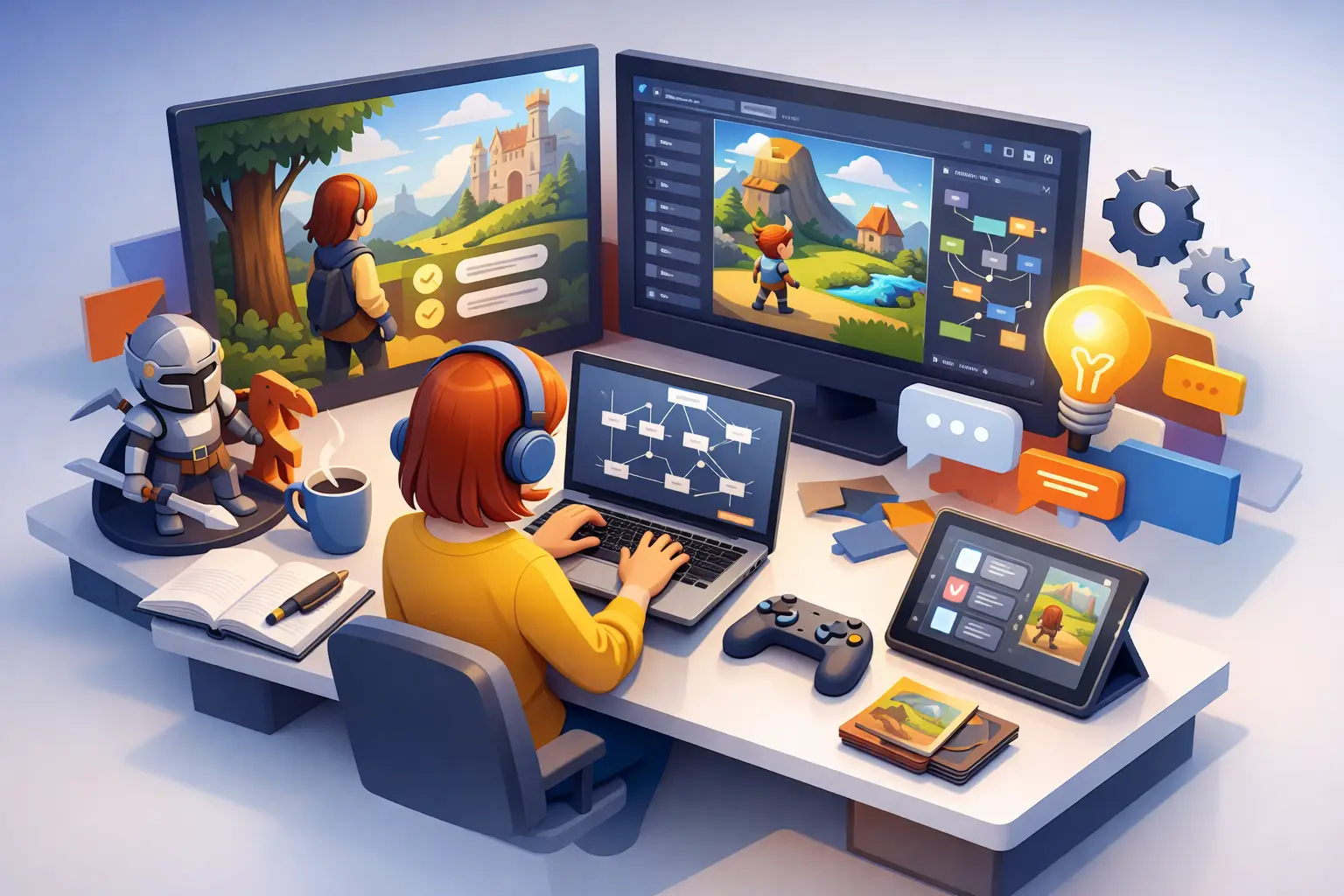
This is also where zero-code matters. For many creators, the real blocker is not storytelling skill. It is the time lost trying to build basic systems before the story even works. A specialized platform like Mimmo Engine is designed around that exact problem, combining drag-and-drop creation, story mapping, sprite and asset management, multilingual export, AI-assisted content tools, and professional visual novel systems inside one editor. That kind of dedicated workflow is hard to replace with a stack of unrelated apps.
If you are building a narrative game with complex systems beyond dialogue, a broader engine may still make sense. But if the story is the product, specialized tools usually win on speed and clarity.
2. Branching narrative mapping tools
Before implementation, you need a way to see the shape of your story. Branching map tools are useful because they expose pacing problems early. You can spot dead ends, loops, shallow choices, and scenes that multiply production cost without adding much dramatic value.
Writers often underestimate how quickly a few binary decisions turn into an unmanageable structure. Visual maps help reduce that risk. They are especially useful for small teams where one person writes and another handles art or assembly.
That said, a separate mapping tool is only helpful if it stays connected to production. If your flowchart lives in isolation, it can become outdated within a week. Integrated story mapping is usually more practical than standalone diagrams because it keeps planning and implementation aligned.
When separate mapping tools still make sense
A standalone mapping app can still be worth it during concept development, especially if you are pitching, co-writing, or testing multiple structures before choosing one. Just be realistic about the handoff. Every extra transfer point creates room for mistakes.
3. Scriptwriting and dialogue drafting tools
Narrative games live or die on writing throughput. You need a drafting environment where dialogue, scene notes, and conditional beats can move fast. For some creators, that is a screenplay-style editor. For others, it is a structured document system with comments, version history, and character references.
The best writing tool is the one that supports iteration without making your script feel locked too early. Narrative games change during implementation. A line that reads well on the page may drag in play. A branching choice may need to collapse into one route because of art budget. Flexibility matters.
AI-assisted dialogue tools can help here, especially for first-pass ideation, alternate line readings, localization drafts, or handling repetitive NPC variations. But they work best as accelerators, not replacements. Character voice, emotional timing, and player-facing choice design still need human control.
4. Asset management systems
Narrative creators often think of assets as an art problem. In practice, they are a production problem. Sprite variants, expressions, backgrounds, CGs, UI elements, sound effects, and localization files pile up fast. Once naming gets messy, implementation slows down.
A good asset management system should help you organize visual and audio files by character, scene, state, and language. Better still if it lives directly inside your narrative editor. That removes the constant import-export friction that can turn simple revisions into an afternoon of cleanup.
For visual novels especially, expression switching, layered characters, galleries, and scene transitions should feel native. If those systems require constant workarounds, your tool is fighting your format.
5. Variable logic and condition management
The difference between a linear story with choices and a true branching narrative usually comes down to logic. Relationship points, route locks, inventory triggers, hidden flags, stat checks, and memory systems all shape how reactive your game feels.
This is where many accessible tools hit a wall. They let you write choices, but not manage conditions at scale. Once you have recurring variables across dozens of scenes, you need a clear way to define, test, and reuse logic without turning your story into spaghetti.
A professional narrative tool should make variables visible, editable, and testable. Ideally, you can preview scene outcomes, trace conditions, and catch broken branches early. If debugging requires digging through code for every issue, that may be acceptable for engineering-led teams, but it is rarely efficient for story-led production.
6. Visual editing and scene composition tools
A narrative game is not just text on a timeline. Presentation shapes emotion. Character placement, transition speed, UI clarity, and pacing between dialogue beats all affect how the player reads a scene.
That is why visual editing matters. You want direct control over screen composition, text flow, effects, and interaction prompts without rebuilding the interface every time. Real-time preview is especially valuable because narrative pacing is difficult to judge from script alone.
For creators without a programming background, a drag-and-drop visual editor can compress weeks of setup into a single production workflow. For advanced users, the question is not whether visual tooling is useful. It is whether it stays efficient once the project becomes larger and more system-heavy.
7. Audio tools for atmosphere and pacing
Narrative games often rely on audio more than people expect. Music transitions can sell a scene change. Ambient loops can give a static background emotional weight. A well-timed sound cue can make a choice feel dangerous before the text even lands.
You do not need a massive audio pipeline for every project, but you do need tools that help you organize tracks, trigger cues, and test timing in context. Audio handled outside the engine can work, but integrated playback and scene testing save time when you are balancing emotion against dialogue rhythm.
8. Localization and multilingual support
For many indie narrative projects, translation is not a nice extra. It is a growth channel. Story-driven games travel well, but only if the toolchain makes localization practical.
The best setup supports multilingual text management from the start, not as a late-stage export headache. You want a system where dialogue, UI text, and route-specific lines can be translated without duplicating the whole project. If the engine also supports AI-assisted translation and review workflows, that can meaningfully reduce cost for smaller teams.
This is one of those areas where early decisions matter. Retrofitting multilingual support into a messy project is expensive.
9. Testing and preview tools
Narrative bugs are often invisible until a player makes an unexpected choice. A route may never trigger. A variable may fail to update. A gallery item might not unlock. These are not edge cases. They are standard risks in branching production.
Testing tools should let you preview scenes quickly, skip to checkpoints, inspect variables, and validate route logic without replaying the entire story every time. The faster your testing loop, the more confident you can be about narrative complexity.
This is also where purpose-built playback environments help. A clean separation between authoring and player-facing delivery can improve reliability, especially when you are preparing distributable builds.
10. Export and publishing tools
The last mile matters. You can write a strong story and still lose momentum if export is clumsy, unstable, or too technical for your team. The best tools for narrative games do not stop at creation. They help you ship.
Look for export options that preserve your game structure, assets, and interaction logic without requiring custom engineering every time. If you plan episodic releases, updates, or creator distribution, packaging and playback become part of the product experience, not just a technical afterthought.
A polished export pipeline also gives creators something underrated: confidence. When the tool can carry your project from concept to playable release, you spend less time worrying about the build and more time improving the story.
There is no single stack that fits every narrative game. But there is a clear pattern: the more your tools are built around story production, the less energy you waste translating your vision between disconnected systems. Pick tools that keep writing, logic, assets, testing, and export moving in the same direction. Your players will only see the final story, but your workflow decides whether that story ever gets finished.