
How to Animate Character Sprites Well
Learn how to animate character sprites with a clean workflow for visual novels and 2D games, from planning poses to exporting polished motion.
·7 min read
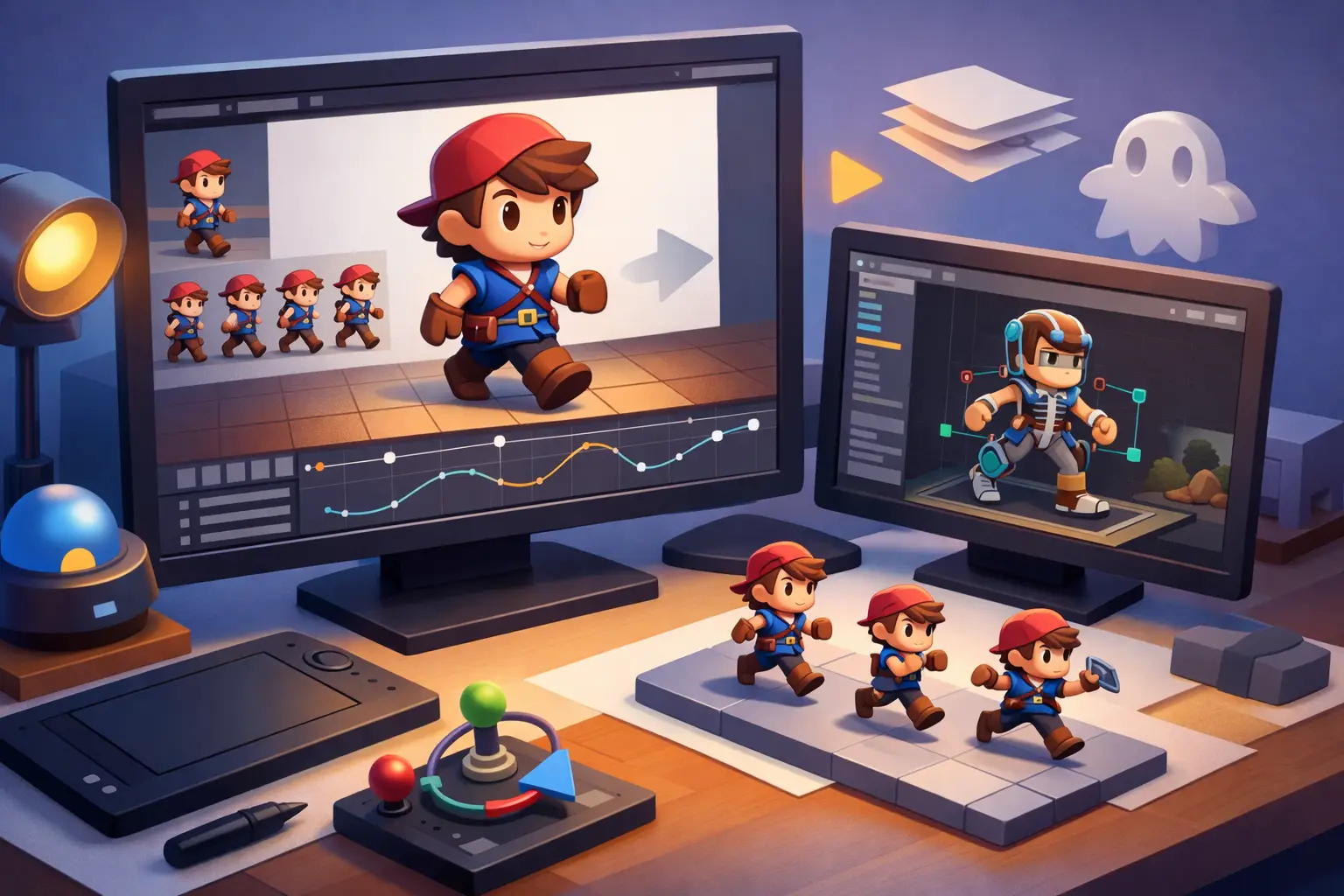
A static sprite can carry a scene, but a well-animated sprite changes how players read a character. A blink adds tension. A shift in posture makes silence feel intentional. If you are learning how to animate character sprites, the real goal is not movement for its own sake. It is readable emotion, timed to support story.
That matters even more in visual novels and narrative games, where character art stays on screen for long stretches and every expression has to do more work. You do not need fighting-game complexity to get strong results. You need a production-friendly method that gives you believable motion without multiplying your asset workload.
How to animate character sprites without overbuilding
The fastest mistake beginners make is trying to animate everything. Hair, sleeves, eyes, mouth, torso, hands, accessories, and full-body movement all at once sounds professional, but it usually creates inconsistent art and an exhausting pipeline.
Start by deciding what kind of animation your game actually needs. A visual novel usually benefits most from idle motion, blinking, mouth movement, expression transitions, and occasional emphasis poses. A side-scroller or RPG may need walk cycles, attacks, hits, jumps, and directional variants. The right answer depends on camera distance, genre, and how often the character appears.
If your characters are mostly shown from the waist up during dialogue, a subtle upper-body system will outperform a full-frame animation set you can barely maintain. If your scenes depend on dynamic entrances or action beats, then larger pose changes may be worth the extra art time. Good sprite animation is always a trade-off between emotional clarity, memory use, and production speed.
Start with motion design, not frames
Before you draw frame one, define the motion. What is this character doing, and what should the player feel from it?
A shy character might tilt inward, blink slowly, and move in short, restrained loops. A confident character can hold still longer, then make cleaner, sharper transitions. Nervous energy often reads better through small repeated motion than through big gestures. This is why two technically similar animations can feel completely different in-game.
Think in beats. Idle. Blink. Breath. Look away. Return to neutral. If the animation supports dialogue, map those beats to emotional states rather than treating them as decoration. Sprite animation works best when every movement has a reason.
Build a clean sprite animation workflow
A practical workflow keeps your asset count under control and makes later edits much easier. For most creators, that means separating the character into reusable parts when possible instead of redrawing every full frame.
Head, eyes, mouth, torso, hair layers, and accessories can often be animated independently. This approach is especially efficient for visual novels because expression changes and dialogue loops are reused constantly. A blink animation can work across multiple scenes. A breathing loop can support several emotional states with minor adjustments.
Frame-by-frame animation still has a place, especially for dramatic gestures or stylized movement. It tends to look more organic, but it also takes longer and is harder to revise. Layered or cutout-style animation is faster to iterate and easier to scale across large casts. The trade-off is that it can look stiff if the parts are not drawn to deform naturally.
For many projects, the best answer is hybrid production. Use modular parts for recurring dialogue animation and reserve full redraws for special moments that deserve extra impact.
The key poses that matter most
If you want better results fast, focus on the animations players notice first. In narrative games, blinking is usually the highest-value starting point. It makes a sprite feel alive with very few frames, and it helps break the uncanny stillness of a frozen face.
Breathing or subtle idle movement comes next. This should be understated. If the torso bobs too much, the character looks like they are floating. Even a two- or three-frame shift can be enough.
Mouth animation matters when your presentation style calls for active dialogue motion. Some creators use simple open-close cycles. Others use several mouth shapes for cleaner speech simulation. Both can work. The choice depends on art style, camera size, and how much attention players will pay to the face.
Expression transitions are often more powerful than continuous loops. Going from neutral to surprised or from smiling to angry creates a clear storytelling cue. Those state changes help direct the scene without requiring complex motion.
Timing is where quality shows up
Many weak sprite animations fail because of timing, not drawing. Even strong art looks awkward when every frame plays at the same speed.
Blinking should usually happen quickly, with a brief close and a slightly longer return. Idle movement benefits from slower timing and tiny pauses. Emotional gestures often feel better when there is anticipation before the main motion. That could be as simple as a slight shoulder raise before a turn or a held frame before a dramatic expression swap.
Loops also need variation. A perfect mechanical repeat becomes obvious after a few seconds. You can offset the blink timing, alternate idle lengths, or trigger occasional secondary motion to keep the character from feeling robotic.
This is one reason zero-code visual novel workflows are valuable. When animation states, timing controls, dialogue events, and scene preview exist in one production environment, you can test whether motion actually supports the scene instead of guessing from isolated art files.
How to animate character sprites for different genres
The phrase how to animate character sprites means different things depending on the game. In a combat-heavy game, readability and action priority come first. Players need to understand attacks, collisions, and recovery windows instantly. Exaggeration helps.
In a visual novel, the priorities shift. Emotional precision, asset reuse, and scene rhythm matter more than high-frame action. A small eye movement can carry more value than a ten-frame hand gesture if it lands at the right line of dialogue.
For romance or drama games, subtlety usually wins. For comedy, sharper transitions and stronger reaction poses read better. For horror, less movement can be more effective, especially when long stillness is broken by one deliberate change. Genre should shape the animation language from the start.
Common mistakes that make sprites feel cheap
The first is over-animation. If every layer moves constantly, the character feels noisy instead of alive. Motion needs hierarchy. Not everything should compete for attention.
The second is ignoring silhouette and readability. A gesture may look fine in your art file but disappear once scaled into the actual game scene. Always preview sprites at their real display size.
The third is mismatch between art style and animation style. Highly detailed rendering can become difficult to animate cleanly, especially on small sprite sets. Simpler shapes often move better and scale more efficiently.
The fourth is building too many unique animations too early. Production discipline matters. A small library of polished loops and transitions is more valuable than dozens of inconsistent assets.
Exporting and testing in the real scene
Animation that looks good in isolation can still fail inside the game. Background contrast, text box placement, camera framing, transition speed, and scene pacing all affect how motion reads.
Test sprites in context. Put them against real backgrounds. Run actual dialogue. Check whether the blink frequency feels natural during long conversations. See if mouth animation distracts from reading. Measure whether expression changes land before or after the key line.
This stage is where professional workflow makes a difference. In a specialized tool like Mimmo Engine, being able to manage sprites, preview scenes in real time, and coordinate dialogue logic with animation timing saves an enormous amount of friction. You spend less time stitching tools together and more time refining what the player will actually see.
A simple production standard to follow
If you are building your first animated cast, keep the standard tight. Give each core character a neutral pose, two or three emotional variants, a blink loop, a subtle idle motion, and one stronger emphasis animation. That is enough to make scenes feel responsive without creating a backlog you cannot sustain.
As your pipeline gets faster, you can add more states for romance scenes, comedic beats, or dramatic reveals. The important part is consistency. Players notice when one character feels polished and another feels unfinished.
Strong sprite animation is not about chasing maximum motion. It is about choosing the smallest movement that makes the character feel present, expressive, and worth watching. Start there, and your scenes will already feel more alive than most.
Keep reading
- No Code vs Ren'Py: Which Fits Your VN?No code vs Ren'Py for visual novels: compare speed, control, workflow, and scalability to choose the right tool for your game project.
- Interactive Story Design Guide for CreatorsInteractive story design guide for creators who want better branching, pacing, and player choice without overcomplicating production.
- How to Write Branching Dialogue That WorksLearn how to write branching dialogue for visual novels and choice-driven games with clear structure, stronger choices, and less rewrites.