
What a Drag and Drop Game Editor Should Do
A drag and drop game editor should do more than place assets. See which features actually help creators build polished narrative games fast.
·7 min read
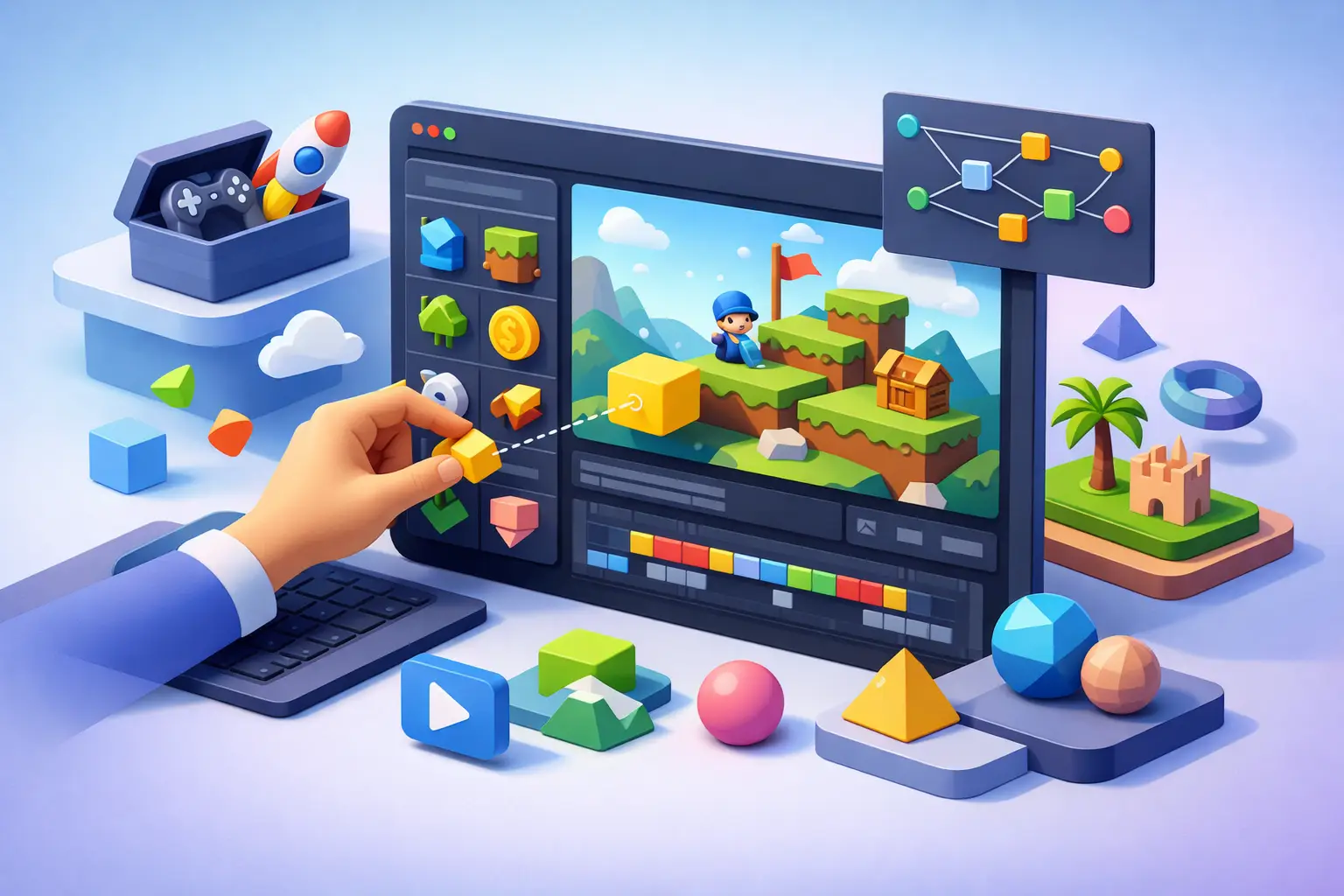
Most people do not start looking for a drag and drop game editor because they love tools. They start because they have a story, a cast, a branching idea, or a playable scene in mind, and they do not want that idea trapped behind code, plugins, and disconnected software.
That gap matters. A lot of no-code game tools promise simplicity, but once you move past a basic prototype, the real questions show up fast. Can the editor handle branching logic without turning your project into a mess? Can you manage sprites, backgrounds, UI, saves, inventories, and localization in one place? Can you preview changes instantly and still export something that feels professional?
For narrative creators, those questions define whether a tool is merely easy to start or actually viable to ship with.
A drag and drop game editor is only useful if it matches the game you want to make
The phrase sounds simple, but not every drag and drop game editor is solving the same problem. Some are broad sandbox tools built to support many genres at a surface level. Others are specialized editors designed around a specific production workflow.
That distinction is where many creators lose time. A generic builder may let you place buttons, scenes, and variables visually, but still leave you assembling your narrative pipeline by hand. You can end up juggling story planning in one tool, asset organization in another, translation in another, and testing inside a workflow that never fully clicks together.
If you are making a visual novel or a choice-driven interactive story, the best editor is usually not the one that claims to do everything. It is the one that understands scene progression, dialogue pacing, branching choices, character presentation, persistent state, and episodic structure as core features rather than add-ons.
That is the practical difference between a visual interface and a production system.
What separates a serious editor from a beginner toy
A basic editor helps you place things. A serious one helps you produce.
That means the visual layer has to connect directly to game logic. When you add a choice, the choice should lead into variable changes, unlock conditions, route splits, gallery progression, item checks, or relationship tracking without forcing you into custom scripting. When you add assets, those assets should not become loose files you have to manually manage across scenes. They should live inside an organized structure that supports iteration.
Preview also matters more than marketing pages usually admit. A real-time preview is not just convenient. It changes how fast you can write, test, and refine. Narrative work is full of small timing decisions - a transition that feels too abrupt, a text box that covers the wrong part of the art, a branch that lands emotionally flat because the flag was triggered too early. If testing those moments takes too long, production slows down immediately.
The same goes for export. Many creators can build a rough interactive story. Fewer can export it with confidence. A professional editor should preserve structure, assets, and behavior in a dependable format, not leave you wondering whether your finished build is held together by fragile project files.
The features that matter most for narrative creators
Writers and indie teams often make the same mistake when choosing tools. They focus on the first hour instead of the full project.
Yes, getting started should be easy. But a narrative game usually grows in complexity. Routes branch. Character states multiply. The asset library expands. Language versions appear. UI needs to match the story tone. Save systems, unlockables, and progression layers become part of the player experience.
A capable editor should support that growth natively.
Story mapping is one of the clearest signals. If you cannot see your branches, route logic, and scene relationships clearly, you will eventually pay for it in rewrite time and broken flow. The same is true for sprite and background management. On paper, manually assigning files is possible. In practice, it becomes a drag on every revision.
Variable logic is another dividing line. Many no-code tools claim to support branching, but what they really support is linear flow with occasional forks. That may be enough for a short demo. It is not enough for a layered visual novel with remembered choices, hidden conditions, relationship values, unlock systems, or route-specific content.
Multilingual support also deserves more attention than it usually gets. For narrative games, text is the product. If translation requires a separate export-import process or risky manual editing, that adds friction to every release. Creators planning for global audiences need localization built into the workflow, not treated as an afterthought.
Why generic no-code builders often feel slow by the middle of production
Generic builders are appealing for obvious reasons. They look flexible, they usually have broad feature lists, and they make early experimentation easy.
But flexibility has a cost. When a tool is not designed around narrative production, creators end up building their own systems for things that should already exist. Dialogue presentation, branching story flow, save behavior, UI states, galleries, inventories, chapter progression, and content gating start as small workarounds and turn into real overhead.
This is where specialized platforms pull ahead. Instead of asking creators to invent a visual novel workflow out of general-purpose components, they provide one. That reduces setup time, but more importantly, it reduces decision fatigue. You spend less effort engineering the editor around your story and more effort shaping the story itself.
For indie teams and solo creators, that difference is huge. Time lost to tool friction is not abstract. It is the difference between finishing an episode this month or pushing it back again.
The best drag and drop game editor should compress the whole workflow
If your project moves between five tools before it becomes playable, your editor is not doing enough.
For narrative development, the strongest setup is a single environment where writing, branching, asset placement, logic handling, testing, and packaging all connect cleanly. That does not mean every creator needs every advanced feature on day one. It means the system should be ready when the project gets serious.
A platform like Mimmo Engine is built around that idea. Instead of treating no-code creation as a lightweight entry point, it treats it as a full production model for visual novels and interactive stories. The drag-and-drop editor sits alongside story mapping, sprite and asset management, branching logic, multilingual export, save systems, galleries, transitions, variable control, and real-time preview inside one dedicated workflow.
That specialization matters because narrative games are not just a set of screens. They are pacing systems, content systems, and state systems operating together. The editor has to support all three without making creators write code for basic production needs.
AI can help, but it should accelerate creation rather than replace it
AI features are now appearing in almost every creative tool, which makes it easy to lump them together. That would be a mistake.
For narrative creators, useful AI is specific. Dialogue generation can help when you need variant lines, placeholder conversation, or a faster drafting pass. Translation support can reduce localization friction. Image analysis can help organize or interpret assets more efficiently. Those are real workflow gains.
But AI should not become a layer of noise between the creator and the game. If it produces generic text, breaks tone consistency, or complicates version control, it stops being helpful. The value is speed with control, not automation for its own sake.
The same principle applies to any editor feature. More capability is good only when it remains easy to direct.
Choosing the right editor comes down to production reality
Before choosing a tool, it helps to ask harder questions than "Can I make a game with this?"
Ask whether you can still manage the project after 50 scenes. Ask whether your branching logic will stay readable. Ask whether adding a second language will break your workflow. Ask whether your assets, UI, and progression systems live inside a structure that can scale. Ask whether testing feels fast enough to support actual iteration.
If the answer to those questions is unclear, the early simplicity may not last.
A good drag and drop game editor should remove technical barriers without flattening creative ambition. It should let a writer think like a writer, an artist think like an artist, and a small team ship work that feels deliberate and complete. That is the standard worth aiming for, especially when the story you want to tell deserves more than a prototype.
Keep reading
- How to Choose a Drag and Drop Game BuilderChoosing a drag and drop game builder? Learn what matters most for narrative games, exports, logic, assets, and long-term production speed.
- What a Choice Based Game Creator Should DoA choice based game creator should do more than branch dialogue. Here’s what creators need for faster production and polished narrative games.
- Best Episodic Story Game Software for CreatorsFind the best episodic story game software for visual novels and branching games, with the tools, workflow, and export features creators need.